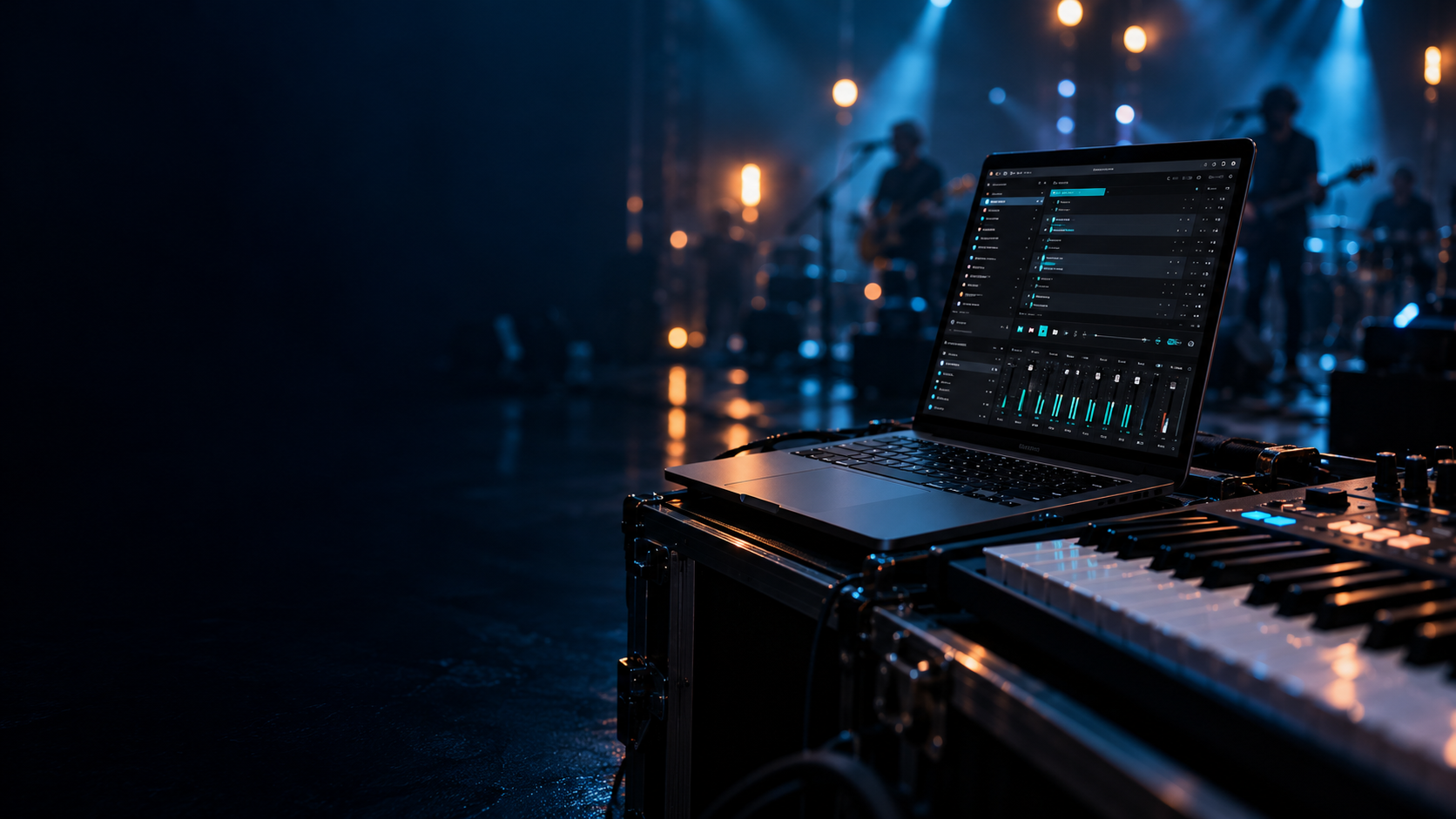
A laptop with a dark live-performance interface beside a MIDI keyboard on a blue-lit stage.

SELAH STAGE

Built for
the moment.

Build the song’s sequence before you perform: instrument changes, layouts, vocal cues and metronome settings, prepared for each part.

Windows · Version 1.2.8

Interface visualization

YOUR LIVE ENVIRONMENT

Prepare what happens
in each part of the song.

01

Performance Mapping

Choose which instruments play in each keyboard range, including overlapping layers and splits.

PLAY WITH POSSIBILITY

Prepare the sounds
for every part.

Layer and split your instruments into the layouts you need. Add instrument and layout changes to the song’s sequence before the performance.

Explore instruments
SELAH STAGEINTERFACE CONCEPT
Grand Piano01
Warm Pad02

SYSTEM REQUIREMENTS

Selah Stage

Compatible

  • Windows 10 version 22H2 or Windows 11
  • 64-bit Intel or AMD processor
  • Windows ARM64 is not currently supported
  • Compatible Windows audio output
  • MIDI controller optional
  • Audio inputs optional
  • Installed size approximately 1.46 GB
  • Allow approximately 6 GB free during installation
  • Core instruments work offline
  • Spoken cues work offline
  • Practice works offline
  • Stem separation works offline

Remote Selah Link features require internet access and a configured relay.

Minimum RAM and CPU specifications have not yet been certified.

Demanding production

Recommended for:

  • Extensive instrument layering
  • Demanding stem analysis
  • Large practice/analysis sessions
  • Simultaneous Selah Stage + Selah Studio use
  • Complex live-performance sessions

Suggested:

  • 32 GB RAM
  • Modern multi-core processor
  • Fast SSD
  • Additional free storage for analysis/song libraries
  • Reliable dedicated audio interface